⚙️ Compile HIX Project
HIX_Server.lib Library
HIX is a library based on Harbour and in this version we use the Visual Studio compiler (MSVC64).
You can download Harbour from its official repository https://harbour.github.io/doc/
Visual Studio can be downloaded from https://visualstudio.microsoft.com/es/vs/community/
To compile the library you can use the go_lib_msvc.bat script. Review the paths to your Harbour installation first.
This script generates hix_server.lib and hix_server.hbx (exported symbols table).
Example Application
If you prefer not to use the pre-built server, you can create your own.
The file /examples/server/app.prg contains a very basic example of how to create your HIX server.
To compile and link it, you rely on the support script go_msvc.bat and hix.hbp which can serve as a starting point for incorporating your files and external libraries to create your own server.
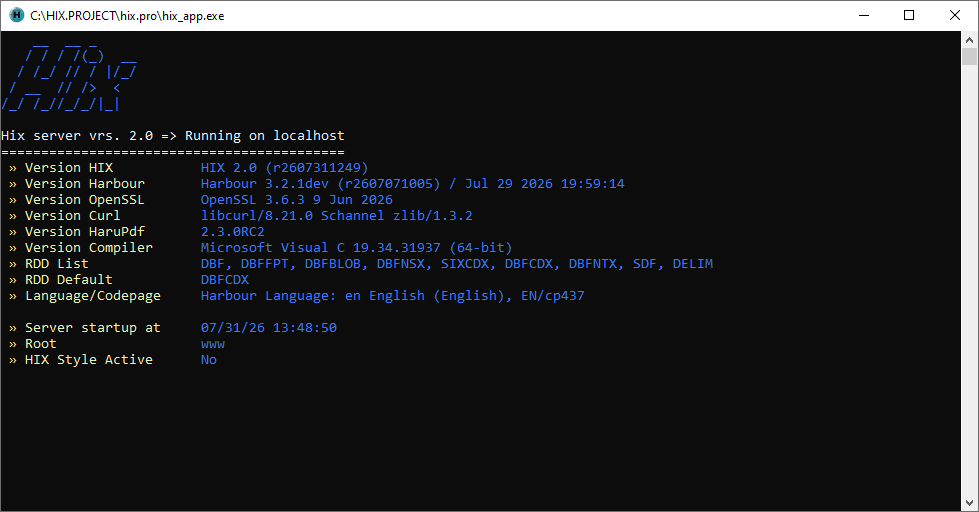
The first time you start the server it displays the server configuration.
Compile your server hix.exe by linking against hix_server.lib.
Use this project as a starting point: add your routes, middlewares, and additional libraries in examples/server/src/app.prg and hix.hbp.
Remember that in all your projects you must copy the DLLs from the /resources/dll folder
into the directory where you have your server.